
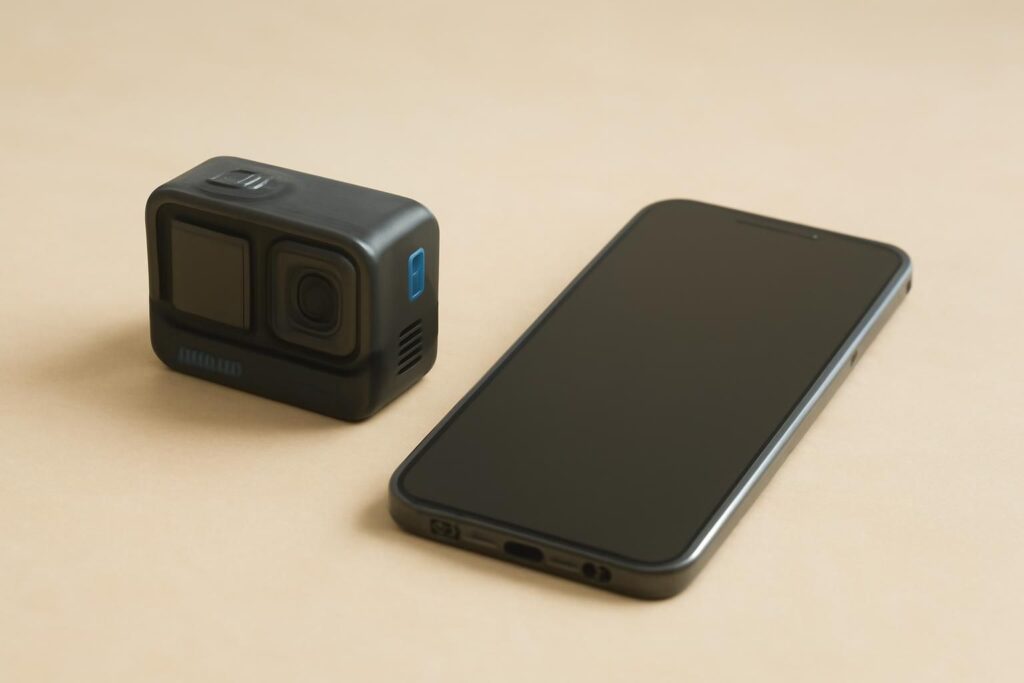
When it comes to configuring your new phone, transferring all your vital information including photos, messages, and favorite apps is usually the first step. There is one more thing to keep in mind, especially when moving to an app that requires authentication. One such detail you should pay attention to is how to get access to your existing account, particularly if your old phone is getting ready for resetting or has to be traded.
If you intend to use Hero 11 on the new device, make sure to take a few minutes to confirm your information and sign-in details on the old phone beforehand. First, find out what the new phone supports and make sure to have ample time to check whether you can log in on the new device before your old phone is collected.
What to Check on Your Old Phone First
1. Find the Sign-In Method You Currently Use
Take a look at your profile or account settings, if relevant. See what kind of sign-in information you’ve used: a phone number, email, or something else. Often, you may forget which information you provided, especially if the app keeps you logged in.
If you have multiple email addresses or phone numbers, note the one registered with the account. This will be helpful if you do it when you still have access to the old phone.
2. Make Sure You Can Receive Verification Messages
If you think that you will transfer your SIM card and/or will need to change your old number, think about when you will still have access to that old number. Look at instructions from the publisher concerning the contact details update. Also, you can check if you are able to access your registered email from another device.
3. Think of the Preferences You Will Need to Restore
Make sure you remember your settings, such as notification settings. Write down your preferences you have used often.
How to Set Up the App on Your New Device
Step 1. Check Current Compatibility
Ensure that you are using the correct model and OS version for this device. If you have moved from an Android/iPhone and you are unsure on how to install for this OS version, refer to the supported installation options for this OS version.
Step 2. Install
While transferring data on your mobile device, you may install certain apps. If you need a fresh Hero 11 download however, follow the official installation instructions from the publisher for your new device. Doing so also means that you can ensure that you are installing the most recent version of the app.
Step 3. Login
If you have an existing account with the Hero 11 app, you should be given an option to login. Try logging in with the details associated with this account. If you need to recover your account, and this option is available, follow official instructions. If you decide to make a new account, please do so carefully.
Step 4. Check the Account Before Resetting the Old Phone
Once logged in check that the account contains all the correct information. If it isn’t, make sure you are using the right email/phone number. As long as you can access the old device, this should be fine to sort.
What if you changed both devices and numbers?
This is often confusing. If you can still access your old device, check on the platform if there is an option to update your details for that account.
If you no longer have access to your old number, follow the account recovery steps from the publishers. When contacting support, mention that you have changed both device and number. This will help support get started with the issue quicker than just saying you have trouble logging in.
Before Trading In or Giving Away Your Old Phone
Ensure all data has been saved. Once you have access to your device, follow the steps required by the manufacturer to reset your device so it can be traded in, sold or handed over.
Conclusion
By knowing how to log in to your device and ensuring that you have access to the correct contacts registered to your account, you can easily switch phones. Ensure that the preferences on your new device are as desired after setting up from a trusted source. Then, once set up, reset the old device.
F.A.Q
1. Do I need to create a new account?
If you already have an account, select the login option. If you cannot access your existing account, see the recovery methods provided by the publisher.
2. Can I install an Android application on my iPhone?
The Android APK has been designed to work with Android devices. See if there are options available for iPhones from the publisher.
3. When should I reset my old device?
Once all necessary data has been saved, and you have confirmed that you can access your account on the new device, reset the old device using instructions provided by the manufacturer.
